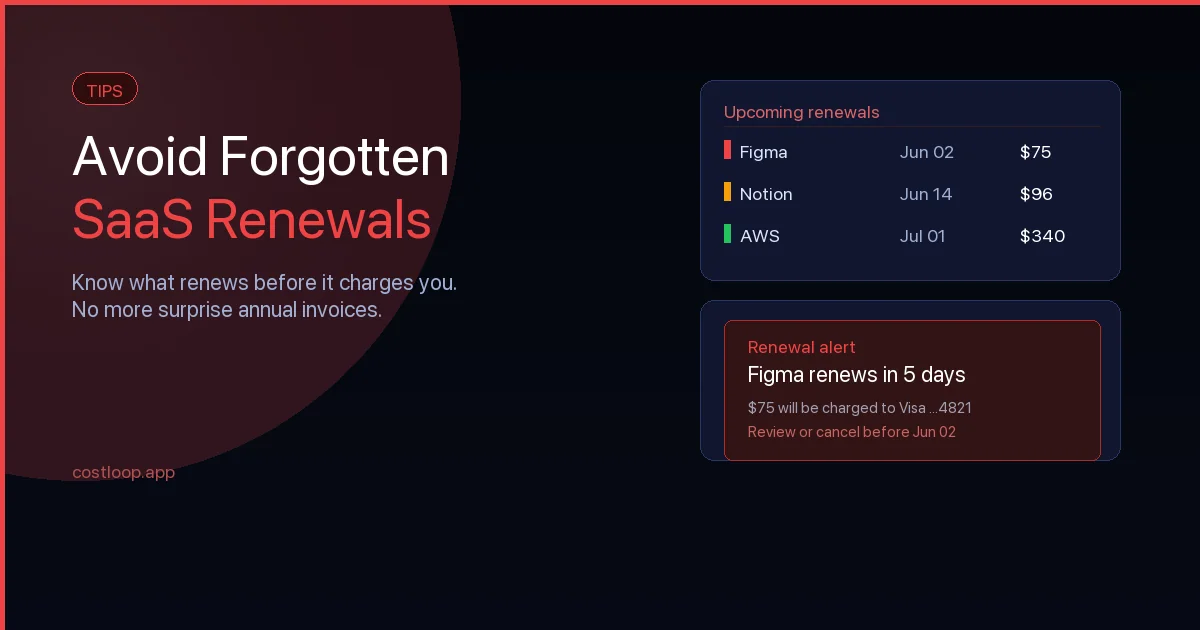
It happens to almost every business at some point. An annual subscription renews quietly overnight - a tool you stopped using six months ago, or a plan you meant to downgrade - and now you are out $300 or $500 with nothing to show for it. SaaS renewal tracking is the practice that prevents exactly this: recording every subscription's renewal date and getting reminded before the charge lands. The vendor will not refund it. The cancellation process takes another 20 minutes you do not have. And you know it will probably happen again next year. The full picture of SaaS renewal tracking and how to prevent forgotten charges is worth understanding before you build your tracking system.
The problem is not that software vendors are sneaky (though auto-renewal terms are rarely prominent). The problem is that most businesses have no system for tracking renewal dates. They rely on memory, on stumbling across an invoice, or on noticing a charge in their bank statement after the fact.
SaaS renewal tracking solves this. It is the practice of deliberately recording every subscription's renewal date, storing it somewhere visible, and getting reminded well before that date arrives. Done properly, it shifts you from reactive - scrambling after charges land - to proactive, making deliberate decisions about every subscription before money leaves your account.
This guide walks through exactly how to build that system, what to track, which reminder strategies work in practice, and how to keep the whole thing running without turning it into a part-time job.
Why SaaS Renewals Get Missed
Understanding why this happens makes it easier to prevent. There are a handful of patterns that account for most missed renewals.
Annual subscriptions blur into the background
Monthly subscriptions are easy to notice - they appear on your statement every single month. Annual renewals are different. Twelve months is long enough that the original sign-up is a distant memory, especially if the person who set it up has left the business, changed roles, or simply forgotten. When the renewal date arrives, it catches people off guard every time.
No single owner for the subscription
In small teams, responsibility for software tools is often informal. The person who first signed up for a tool is not necessarily using it now, and may not even be at the company. When a renewal approaches, nobody has a clear mandate to evaluate it or act on it. The charge goes through by default.
Subscription details are scattered
The login credentials are in one place, the invoice is in someone's email inbox, and the renewal date - if anyone knows it - is in nobody's calendar. This fragmentation means that even when someone wants to review a subscription, pulling together the information needed to act takes long enough that it gets deferred until after the renewal.
Free trials convert silently
Many SaaS products require a credit card for a free trial and automatically convert to a paid plan when the trial ends. If the team evaluated the tool, decided not to continue, and then forgot to cancel before the trial ended, you are now paying for something you consciously decided not to use.
The Real Cost of Missed Renewals
A single missed renewal might cost $50 or $500. Across a portfolio of 15 to 30 software tools - which is typical for a business with 5 to 20 people - the cumulative cost of poor renewal tracking is substantial.
Consider a hypothetical business with a growing list of monthly subscriptions. If several tools are unused, duplicated, or owned by people who have left, a renewal review can reveal avoidable annual cost before the next charge goes through.
Beyond the direct cost, there are opportunity costs. Overpaying for software means less budget available for tools that would actually generate value. And the administrative friction of dealing with unwanted charges - disputing them, chasing refunds, updating expense reports - eats time that could go elsewhere.
What Information to Track for Every Subscription
A renewal tracking system is only as useful as the information it holds. For each subscription in your stack, you should record:
- Tool name and vendor - including the product name and the company name (these can differ)
- Billing cycle - monthly, annual, or other
- Next renewal date - the exact date the next charge will be taken
- Cost per billing cycle - and the currency, especially if you operate across borders
- Payment method - which card or account is charged, so you can monitor the right statement
- Subscription owner - the person in your team who is accountable for this tool
- Number of seats or licenses - and how many are actually in use
- What the tool does - a one-line description, because six months from now nobody will remember what "Loom" or "Intercom" was used for at a glance
- Cancellation path - how to cancel, including any notice period requirements and contract expiry terms (some vendors require 30 days notice before the renewal date)
- Login / admin access - where the credentials are stored
That might look like a long list, but most of it takes 90 seconds to fill in per tool. The cancellation path is the one field most people skip - and the one they most regret not having when they need it urgently.
How to Set Up a Renewal Tracking System
Step 1 - SaaS renewal audit: list every subscription and its renewal date
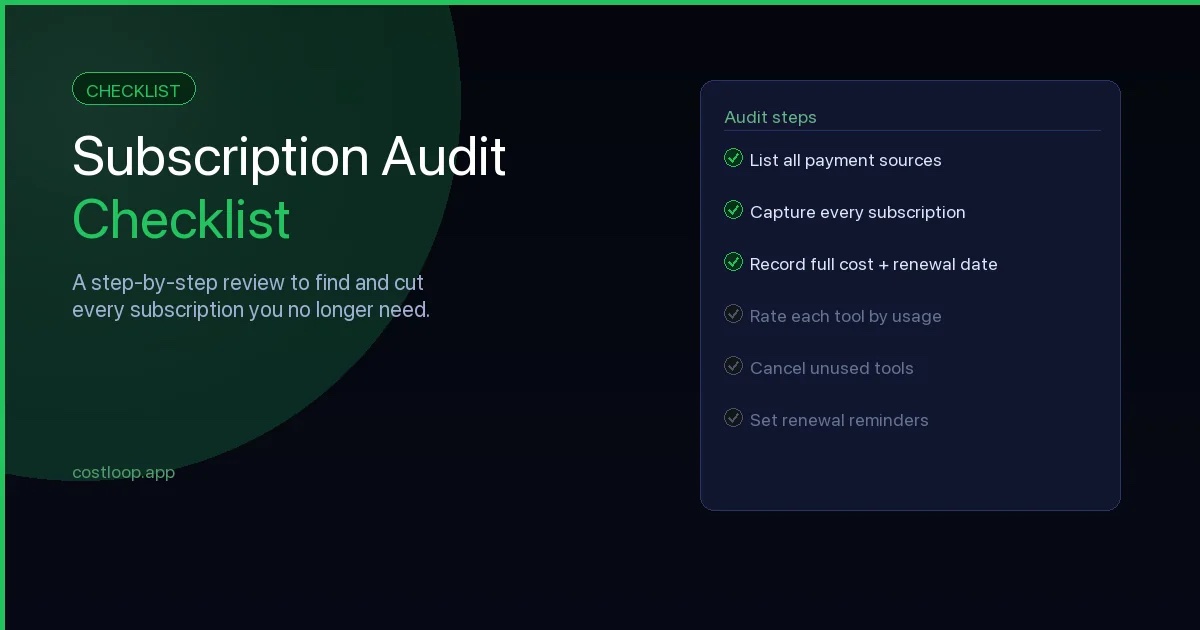
You cannot track what you do not know about. Start by pulling three to six months of bank statements and credit card statements and highlighting every recurring software charge. Do not rely on your memory or a list of tools you think you have - statements capture everything, including tools that were set up years ago and never reviewed. The subscription audit checklist walks through this discovery process step by step and gives you a complete list of sources to check.
Also check your email for trial confirmation messages and upgrade notifications. These often contain renewal dates that are not visible anywhere else.
Step 2 - Choose your SaaS renewal tracking system
You have three realistic options:
A spreadsheet. Fast to set up and familiar. The limitations are that it requires manual updates, offers no automated reminders, and relies entirely on you remembering to look at it. A spreadsheet that was last updated three months ago is almost useless for renewal tracking.
Your calendar. Better than a spreadsheet for reminders, since calendar events are visible in your daily workflow. A dedicated subscription calendar within your existing calendar app can work if you are disciplined about it. The problem is that a calendar is not designed to store all the supplementary information you need alongside each renewal date - the cost, the owner, the cancellation path - so you end up maintaining two systems.
A dedicated subscription tracking tool. A SaaS renewal tracking tool like CostLoop stores all the information about each subscription in one place, automatically calculates upcoming renewals, and sends reminders at configurable intervals. They also aggregate your total monthly spend across all tools, which is valuable in itself.
For businesses with more than five or six subscriptions, a dedicated tool is significantly more reliable than a spreadsheet or calendar alone. The setup time is comparable, and the ongoing maintenance is much lower.
Step 3 - Enter every subscription
Once you have chosen your system, enter all your subscriptions from the audit. Set aside 30 to 60 minutes and do it in one go - doing it piecemeal means some tools will be missed.
As you enter each tool, check the actual renewal date in your account settings or your most recent invoice. Do not guess or estimate from when you remember signing up. Dates drift, billing cycles get prorated, and you need the exact date to set reminders correctly.
Step 4 - Configure reminder timing
The most effective reminder structure is three reminders per renewal:
- 30 days out - enough time to evaluate the tool properly, get usage data, and make a considered decision
- 14 days out - enough time to initiate a cancellation or contact the vendor about pricing
- 7 days out - a final check that action has been taken; for annual subscriptions with a notice period requirement, this is often your last safe window
The 30-day reminder is the most important one. By the time most people think about a renewal, they have less than a week - not enough time to properly evaluate whether to continue, negotiate a better price, or find an alternative. Giving yourself a month changes what is possible.
Annual vs Monthly Renewals: Different Risks, Different Strategies
Annual and monthly subscriptions pose different kinds of renewal risk, and tracking them requires slightly different approaches.
Annual subscriptions
Annual subscriptions carry the highest financial risk per missed renewal - a year's worth of charges in one hit. They also offer the best opportunity for negotiation, since vendors know annual customers are more valuable and are often willing to offer discounts to retain them. Many vendors also quietly increase prices at renewal - these hidden SaaS costs are easy to miss without a tracking system that gives you time to review before the charge lands.
For annual subscriptions, start the review process at 45 to 60 days before the renewal, not 30. This gives you time to negotiate if you want to continue, or to find an alternative if you want to switch. Some tools require significant migration time, and discovering that at the two-week mark leaves you in a weak negotiating position.
Monthly subscriptions
Monthly subscriptions are lower risk individually - a missed month costs less than a missed year - but they add up quickly and are easy to ignore because they never feel urgent. A tool that costs $29 per month and has not been used in four months has still cost you $116. Multiply that across three or four marginal tools and it becomes material.
For monthly subscriptions, the renewal tracking discipline is less about avoiding surprise charges and more about maintaining ongoing awareness of whether the tool is still earning its cost. A quarterly review of your monthly subscriptions, checking which ones have actually been used in the past month, is usually more practical than setting individual reminders for each one.
Reminder Strategies That Actually Work
Calendar events with full context
If you use calendar-based reminders, include the key information in the event description: the cost, the renewal date, the owner, and a link to the subscription settings page. A calendar event titled "Figma renewal" with no other detail is nearly useless - you will open it, feel vaguely concerned, and then get pulled into something else. An event that shows "$576/year - review by May 18 - settings at figma.com/settings/billing" gives you everything you need to act in under a minute.
Email reminders with a clear action
If you prefer email reminders, set them through your task management or email scheduling tool and write the action clearly in the subject line: "Action required: Decide on [Tool] renewal before June 3." Vague reminders get deferred. Specific, actionable ones get handled.
Dedicated tracking tools with automatic reminders
The most reliable approach for teams managing more than a handful of subscriptions is a dedicated tool that handles reminders automatically. CostLoop, for example, tracks renewal dates and sends email reminders at your configured intervals - you set it up once per subscription and the reminders happen without any further effort from you. This is the system that scales as your tool stack grows, without requiring additional maintenance overhead.
Team Accountability for Renewals
In any team with more than one person, assigning a named owner to each subscription is essential. Without a clear owner, renewals become nobody's responsibility in practice - everyone assumes someone else will handle it.
The owner does not need to be the person who uses the tool most. They need to be someone who has the authority to make a cancellation decision, or to escalate it to someone who does, before the renewal date. Typically this is either the person who manages the budget for that area of the business, or whoever leads the team that uses the tool.
When a renewal reminder arrives, it should go to the owner directly - not to a shared inbox where it will be seen by everyone and acted on by nobody. The owner reviews usage, makes a decision, and either renews, cancels, or flags for discussion. Clear ownership converts renewal reminders from noise into action.
For businesses with a dedicated finance or operations function, a monthly renewals review - a short meeting or async check where upcoming renewals for the next 30 days are reviewed together - adds an additional accountability layer. It also creates a natural opportunity to spot duplicate tools or underused seats before renewal locks them in for another cycle.
How CostLoop Automates SaaS Renewal Tracking
CostLoop is built specifically for the problem this article describes. You add each subscription once - the tool name, cost, billing cycle, and renewal date - and CostLoop handles everything else: calculating upcoming renewals, displaying your total monthly and annual spend, and sending reminders before each renewal date.
Every subscription record stores the full context you need: who owns it, how many seats are in use, what category the tool falls into, and any notes you want to attach. When a reminder arrives, everything you need to make a decision is already in front of you - no hunting through email or account settings.
For teams, CostLoop makes renewal ownership visible across the whole stack, so nothing slips through because it belonged to someone who has changed roles or left the business.
The alternative - rebuilding your tracking system in a spreadsheet every time something changes - works until it does not. A dedicated tool built for this specific task is more reliable, takes less ongoing effort, and gives you the kind of visibility that makes a real difference to your software spend over time. Building good renewal tracking into your wider subscription management best practices is what keeps your software stack under control as it grows.
The software renewal process: a simple example for small teams
Abstract advice about "reviewing subscriptions before they renew" is easy to ignore. A concrete software renewal process example is harder to dismiss. Here is what the process actually looks like when it works well.
CostLoop sends a 30-day reminder for your $150/month Figma plan. Here is what the renewal process looks like from that notification to a final decision.
Step 1 - Review the alert. Open the subscription record and check who is assigned to the tool. Then go to Figma's admin panel and look at last login dates for each seat. Note how many people have logged in at least once in the past 30 days versus how many seats you are paying for.
Step 2 - Calculate cost per active user. If you are paying $150/month for 5 seats but only 3 people logged in last month, your real cost per active user is $50/month, not $30. If usage has been consistently low, that number is your decision signal. A cost per active user above $40 to $50 for a design tool usually warrants a seat reduction or a plan review.
Step 3 - Make the decision. Keep at the current plan if active usage justifies it. Downgrade to a smaller tier if seat utilization is low. Cancel if the tool has been replaced or is genuinely unused - use the stored cancellation link to act immediately while the decision is fresh.
Step 4 - Act immediately. Do not schedule the action for later. Either confirm the renewal consciously, submit the seat reduction request to the vendor, or use the stored cancellation URL to cancel on the spot. Deferring a cancellation decision past the reminder date is how most renewals get missed. The full context for avoiding forgotten SaaS renewals explains why timing matters so much here.
SaaS renewal metrics: the 4 numbers that make the decision easy
Every renewal decision comes down to the same question: is this tool worth what we are paying for it? Four specific SaaS renewal metrics make that question answerable in under five minutes.
Usage in the last 30 days. Has anyone logged in? This is the most basic filter. A tool nobody touched last month has no automatic right to another billing cycle. Pull this from the admin panel's last-login report.
Cost per active user. Divide the monthly cost by the number of people who logged in at least twice in the last 30 days. One login could be accidental. Two suggests intent. If cost per active user is significantly higher than the headline per-seat price, you are carrying unused seats.
Time since the last usage spike. Even a tool with decent recent usage may be in decline. If usage was 20 logins/month in January and it is 6 logins/month now, the trajectory matters as much as the current number. A tool in steady decline is unlikely to recover without a deliberate decision to re-adopt it.
Alternative cost. What would the next-best option cost for the same functionality? This number does not mean you should switch - switching has a cost too. But it anchors the evaluation. If your current tool costs $150/month and a comparable alternative costs $40/month, the gap needs to be justified by something concrete.
These four numbers make every renewal decision fast and defensible. You do not need a committee meeting or a lengthy review. You need these metrics in front of the tool owner 30 days before the renewal date. For how this fits into broader SaaS operations, the operations guide covers the wider management cycle.
Recurring subscription management: building the system
Recurring subscription management is not a one-time cleanup exercise. It is the ongoing practice of keeping your software stack intentional - every tool actively chosen, every cost justified, every renewal a deliberate decision rather than a default charge.
The system has three components. The first is an inventory: a complete record of every active subscription with renewal dates, costs, owners, and cancellation links. This is the foundation. Without it, everything else is guesswork.
The second component is alerts: automated reminders that fire 30 days before each renewal date and reach the person responsible for that tool. Alerts without a recipient are useless. The reminder has to go to a named owner who has the authority to act.
The third component is a quarterly review: a structured look at the full subscription list that goes beyond individual renewals. This is where you catch overlapping tools, consolidate duplicates, and identify tools whose value has drifted below their cost. The quarterly cadence is often enough to catch drift before it becomes expensive and not so frequent that it becomes burdensome.
Together, these three components are what separates recurring subscription management from a one-time audit that solves the problem for three months and then lets it re-accumulate. For a focused look at the vendor relationship side of this process, renewals management covers the full picture from tracking to decision to action. For how this connects to the broader context of controlling SaaS spend, the guide on SaaS spend management covers the full picture.
Frequently Asked Questions
What is SaaS renewal tracking?
SaaS renewal tracking is the practice of recording every software subscription's renewal date and setting reminders before that date arrives. It gives you time to decide whether to continue, cancel, or renegotiate a subscription before the charge is automatically taken from your account.
How do I set up renewal reminders?
The most effective approach is to set reminders at three points before each renewal: 30 days out (to evaluate whether the tool is still needed), 14 days out (to initiate any cancellation or negotiation), and 7 days out (as a final check that action was taken). You can do this manually with calendar events, through your email provider, or automatically with a dedicated subscription tracking tool like CostLoop.
What is the best tool for tracking SaaS renewals?
The best tool is one you will actually use consistently. Spreadsheets work but require manual updates and offer no automated reminders. Dedicated SaaS management tools like CostLoop are purpose-built for this task - they store renewal dates, send automatic reminders, and give you a single dashboard view of all upcoming renewals and your total monthly spend.
What is a software renewal process?
The software renewal process is the sequence of steps that happens between a renewal reminder and a final decision on a subscription. In four steps: (1) receive the reminder and check who uses the tool, (2) evaluate active usage using the admin panel's last-login data, (3) make a decision - keep at current plan, downgrade seats, or cancel, (4) act immediately using the stored billing or cancellation link. The entire process should take under 10 minutes per tool if the subscription record is well maintained.
What SaaS renewal metrics should I track?
The four most useful SaaS renewal metrics are: (1) usage in the last 30 days - has anyone logged in at all, (2) cost per active user - monthly cost divided by people who logged in at least twice, (3) time since the last usage spike - is usage trending up or down, (4) alternative cost - what would a comparable tool cost. These four numbers make every renewal decision fast and defensible without requiring a lengthy team discussion.
What is recurring subscription management?
Recurring subscription management is the ongoing practice of keeping your software stack intentional - every tool actively chosen, every cost justified, and every renewal a deliberate decision rather than a default charge. It is distinct from a one-time subscription audit. An audit clears the backlog once. Recurring subscription management prevents the backlog from re-accumulating through three components: a central inventory, automated renewal alerts, and a quarterly review of the full list.
CostLoop is built to help small and medium businesses track subscriptions, get renewal reminders, and stay in control of recurring software costs. Start for free - no credit card required.